

“Our fingers push and pull with the beats and pulses of the game, using the controller to develop a cadence as surely as a drummer does when slicing his sticks around a drum kit.”
– Hamilton, 2011
Introduction
Every time a person interacts with a computer, there are rhythms of action and response. Some of these interactions with the computer will be rhythmically expressive. When interactions are rhythmically expressive, they can give the user a level of creativity that is similar to that of a musician playing an instrument. This project is asking what a close phenomenological focus on this type of rhythmic experience might reveal about the design of human computer interactions.
The goal of the initial project as a group was to create a unique and fun game using the Unity engine, based off the ideas of what fun is. There are some core concepts that we had come up with and wanted to implement into a game. With that in mind, we decided to create a rhythm game with the intention to implement a “gotcha” feature. After creating the game through Unity, we will then implement the game, so that you can play it using the Nintendo Switch.
What Is Fun?
As a group, we had to understand what exactly fun is and what makes a game “fun”. A game is considered boring when the mechanic is too easy and the players do not feel challenged. when the mechanics are fat too difficult, players tend to lose interest in playing the game. Juggling both of these together we had to create a game that wasn’t too difficult, but still challenging to the players. When people play these types of games sometimes they can enter some kind of headspace called “flow”, where they feel immersed into the game and everything else is tuned out. As Team Dr.Beats, we aim to deliver this type of excitement and experience to our players.
Video Prototype – The Beginning Story
The idea our video prototype was to include the story behind our game. The beginning scene we are introduced to the protagonist, DarkLord. He is the mind controlling bad guy. We can see he takes over some “minions”, to join his evil empire. Then we are introduced to the antagonist, who would be us, the players of the game. We will go against DarkLord by dancing.
Designing Dr. Beats
For our groups game design, we decided to create a user friendly and fun rhythm game through Unity. In doing so, we ended up creating a rhythm game that would be strategic and an appealing theme. With so many different rhythm games, we decided to make our own original element to add to the game. The other options that we looked into were creating a design that is similar to other rhythm games, but we wanted to be different. We looked into Guitar Hero and other rhythm to get a better “feel” on what we wanted to create. If we did not look at those for inspiration, we would have gone through a whole different aspect. Since we all like anime, we wanted to create that gotcha feature instead of a simple rhythm game. In doing so, we are using the Nintendo Switch. With using the Switch, the players can either be sitting or standing, which ever they prefer.
Also, to make the game more original we added the aspect where each controller would be able to hit any arrow. This allows the player to not only pick whether they want to sit or stand, but they can choose which hand to hit the notes with. This allows the players to have more freedom with our game and simulates more of a dance, rather than just hitting plain arrows as they come. We also made it appealing by adding an animated character of a computer science teacher at Sonoma State. Also, we added a song from Blackpink, to attract people who enjoy listening to Kpop. Their music is great and has nice upbeat tempo which seemed fun to play.
After implementing this idea to the game, we coded this in C sharp. The tedious part was making the different moves to match the beat of the song. Instead of adding the moves in groups, we added the moves individually, while listening to the song. This was a very tedious way to add the arrow movements.
Rhythm is center of our gameplay. So-called BPM(beats per minute) with its frequency you move your head to a cool track. But if you want to build your game around the rhythm you should get it first.
Worked?
- The basic functionality of a rhythm game
- Gameplay works
- Setting work: change volume
- Able to change songs
- Able to pause, restart, overall navigate through the game
- When you hit the button, the arrow disappears. If you miss it, the arrow goes straight through. Just like you missed something
Didn’t work?
- Did not have time to include the gotcha feature we were planning
- Not that many song choices
- Not having a music video play in the background
- We could not figure out how to include the Nintendo Switch remote
Game Layout Idea (Stage 1)

Here is a little sketch of how we wanted the layout of the game to be. The name and the percentages on the side indicate the different leveled character’s you would get every time you level up or beat a stage. Then we were specifying the buttons, by shading it in, so we know what arrow or joystick we are hitting.
Implying C# & Unity (Stage 2)
After familiarizing ourselves with Unity, through the different type of examples of the platform, we ended up learning how to format the game and create different objects. It is just like a recipe which tells us how to prepare a particular dish and also describes all its ingredients and the steps to follow. In this case, we are learning how to use Unity and connecting it with our program, which is written in C#. The whole program was done in C# using the unity engine. It had a learning curve because not only did we have to learn a new language, but we also had to learn how to write a utilize script language to do what we want with the Unity engine. Towards the beginning of our program, we had a hard time understanding the learning curve. But as we got further in the project it became more understandable. The hard part of the implementation was the music. In terms of getting the arrows to match the beat of the music and also including it into Unity. We had to understand the beats per minute of the song. The unity engine made it somewhat easy because it allowed a drag and drop function, which allows us to drop our scripts so that they did specific things.
Character Design (Stage 3)
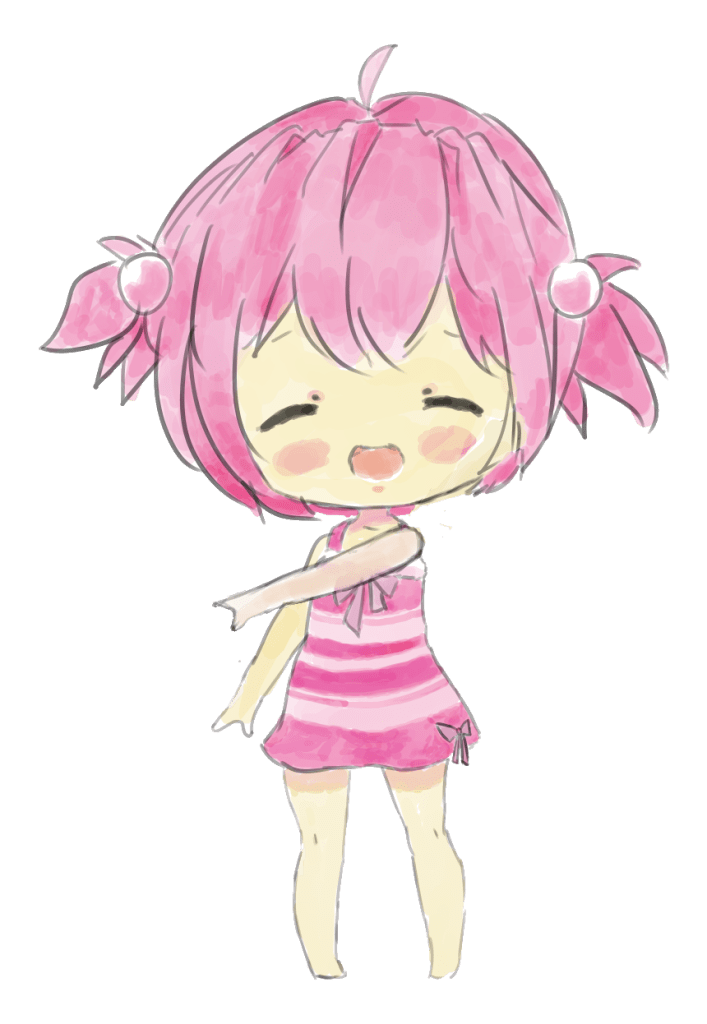
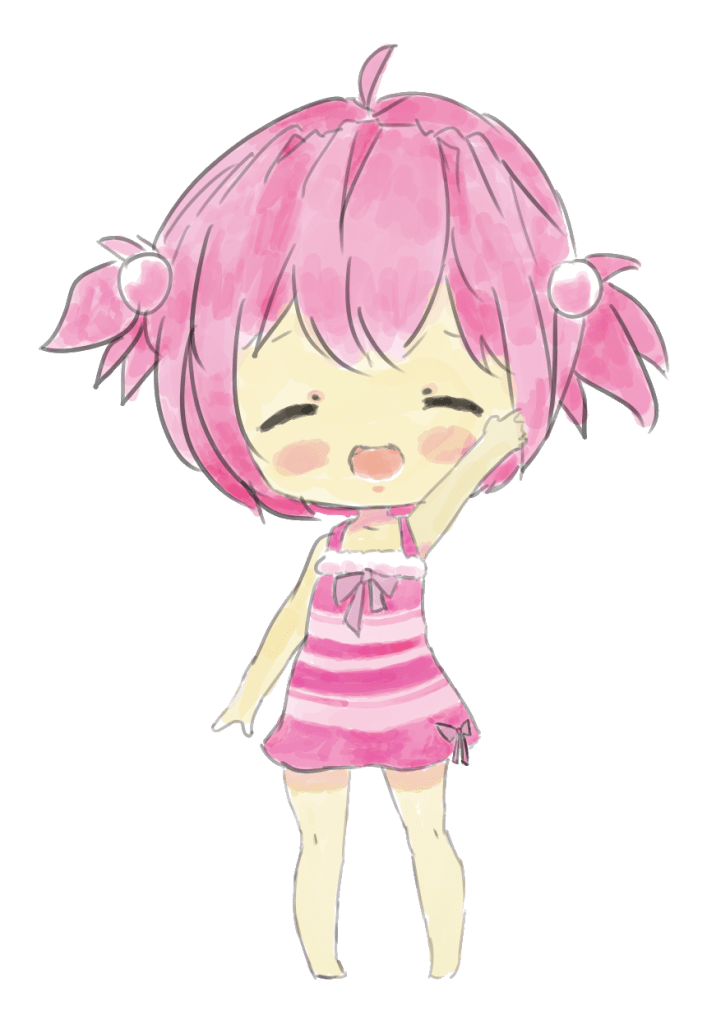
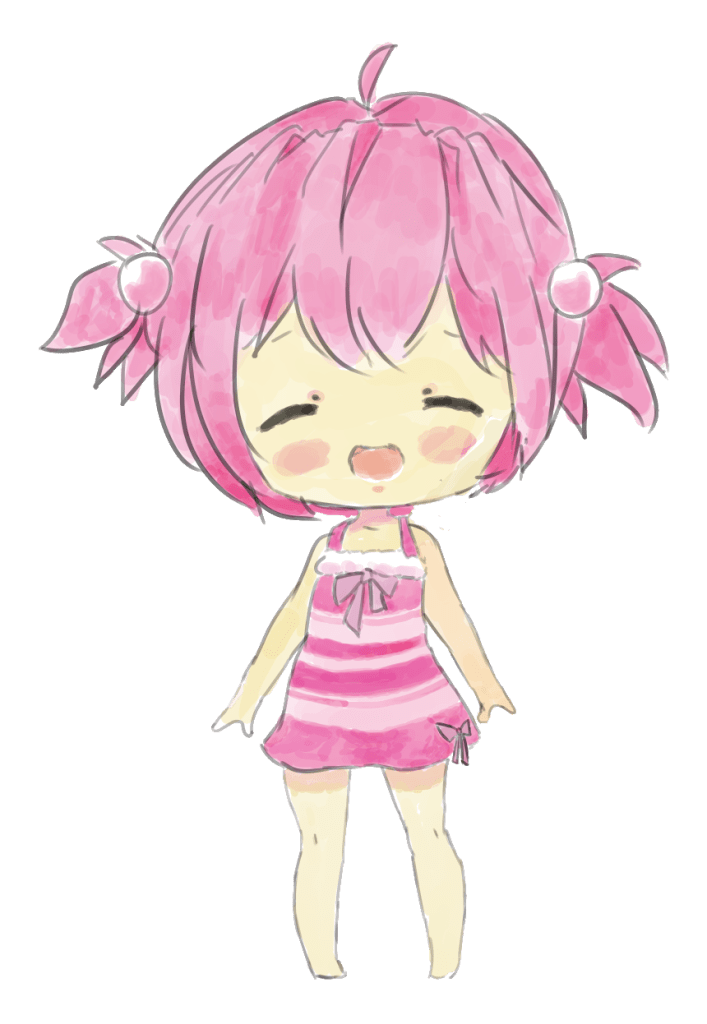
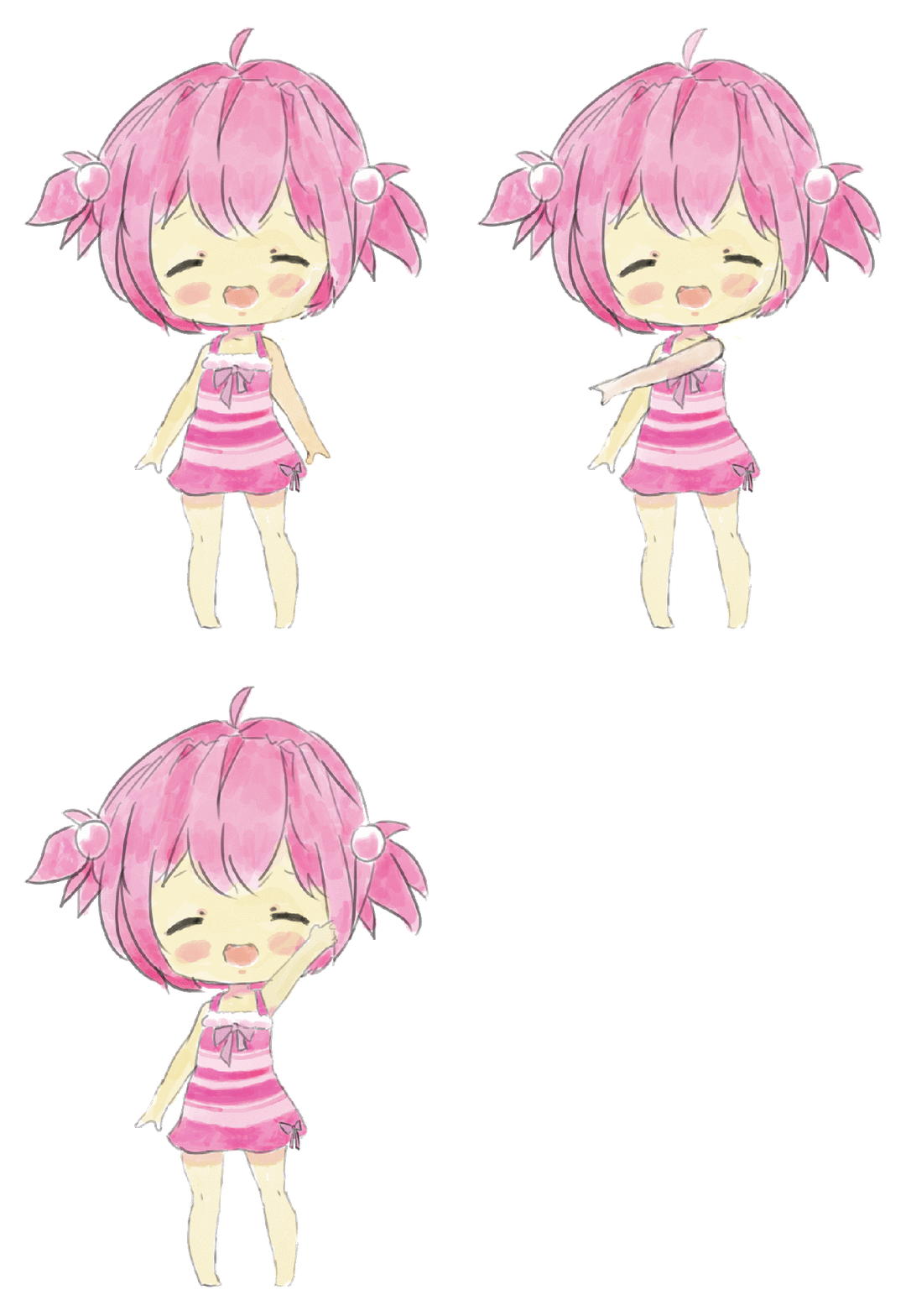
This is our first design of the character. We had the intention to create a cute chibi professor. The three different picture shows the different poses of dance. We are going to use the character to dance around with these poses while playing the game. The first idea of creating the characters was to be included with the gotcha feature. We were planning to have more characters at different levels. If you beat one professor, you would end up getting another higher level professor. But due to having a small amount of time to complete the game, we will not be including the gotcha feature in our rhythm game.
Remote Functionality (Stage 4)

As you can see from the image above, it shows our brainstorming on how we wanted to implement the functionality of the Switch remote. We wanted to design it in a way where the player can move freely, as if they are dancing. The functionality was to let either remote take movement to hit the arrow. For an example, you can hit the left arrow with the right arrow and vice versa. In doing this, it can let the player dance around trying to hit the arrows. This process would be a challenge for the players. Even though it would be a challenge, the players can have fun, dance, and be free with the music.
Game Demo
Implications For Design
In a different scenario, where we had programmed first before thinking of the design, we might not have thought of the idea of being original. We may have been too caught up in trying to create a rhythm game and end up looking like any other rhythm game. The design would have also become more bland because we would not be think about the players point of view. Thinking that the design would not really appeal to them since we did not plan ahead of time. All in all, if we programmed first it might be better in terms of the program, but when it comes to originality and creativity it may be lacking.
Advice To Designing A Game of Your Own
If you are an aspiring video game designer, you already know a ton about games. We recommend that aspiring designers read as much as they can, in addition to reading game design books. Stay current with what’s trending in the game industry. Follow your industry idols on Twitter to see what they are talking about, and what games they are playing. Most important is to play games of all kinds. Then decide what does and does not work well in each game. But also experience life as much as possible and take note of the “design” that is all around you. After getting a brief idea what you want to design, brainstorm and sketch a list of ideas about what you want to create. After that, you can sketch out a design layout of what you want the game to look like.
Evaluation
The kind of participants I would want for my game would be anyone who that is interested in playing the game. Our game would mainly attract participants who are interested in dancing and listening to music. To find participants, I would post our game on social media platform, such as Reddit or Facebook. This would help eliminate the issue of finding people, because these platforms are universally enjoyed and this game is pretty enjoyable.
After finding the participants that are qualified to review the game, I would then stick with an analytical evaluation because I think getting feedback through surveys with questions and a scale on what the players thought of the core mechanics (design, control, music choice, and difficulty). I would also have a section in the feedback where the participant can add their own comments, where they can go in detail with what they did like or did not like, and what we can change to make this game better. Then I can take back the feedback and implement it to the game to make it more fun and enjoyable experience.
Concluding Summary
In the end, creating and designing a game was like a complex puzzle. Video game design is not just playing video games, there is a lot of stress and hard work involved. It includes brainstorming and going after that goal you envisioned from the beginning. But sometimes you do not reach that goal you envisioned. In our case, the idea from our prototype is far from what the final result was. We wanted to include a lot more features to our rhythm game, but we did not have sufficient time to implement those ideas. The “gotcha” feature was the one main feature that we were looking forward implement into our game.
The main takeaway strength from this process was working together to create a rhythm game. It was a great learning curve experience to learn new platforms and include it with the programming language we used. The strengths of our final result from this process are the basic functionality of a rhythm game, gameplay, and option selection works. Some weaknesses in our process were not including the gotcha feature, not having a music video (animated) background, and due to the obstacles we were not able to include the Nintendo Switch remote. Since one team member had the Nintendo Switch and another member had Unity and the program on their laptop, we were not able to test the Nintendo Switch remote. Although we were not able to test the remote, having it through the Switch remote would be easier because it is suppose to mimic dance moves. Whereas the keyboard it is hard to track each arrow. Having a motion controller takes away that scope, because your eyes will naturally know what direction to move.
If our group had more time we would take account of these weaknesses and implement them to our beginning vision of the video game. Overall, we were happy with our results despite the time and the occurrences that is happening right now. We were able to experience this process and got a lot to learn from it.
 Human computer interaction portfolio